
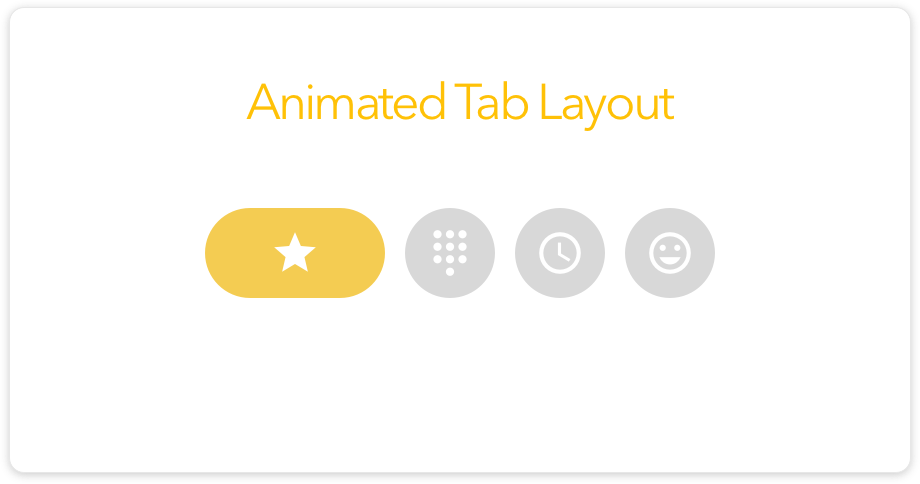
Today we’re going to see how to add animated Tab Layout in Android but this is a unique Zen UI 6.0 layout.
We’ve discussed already about animated tab layout library and you can see below:
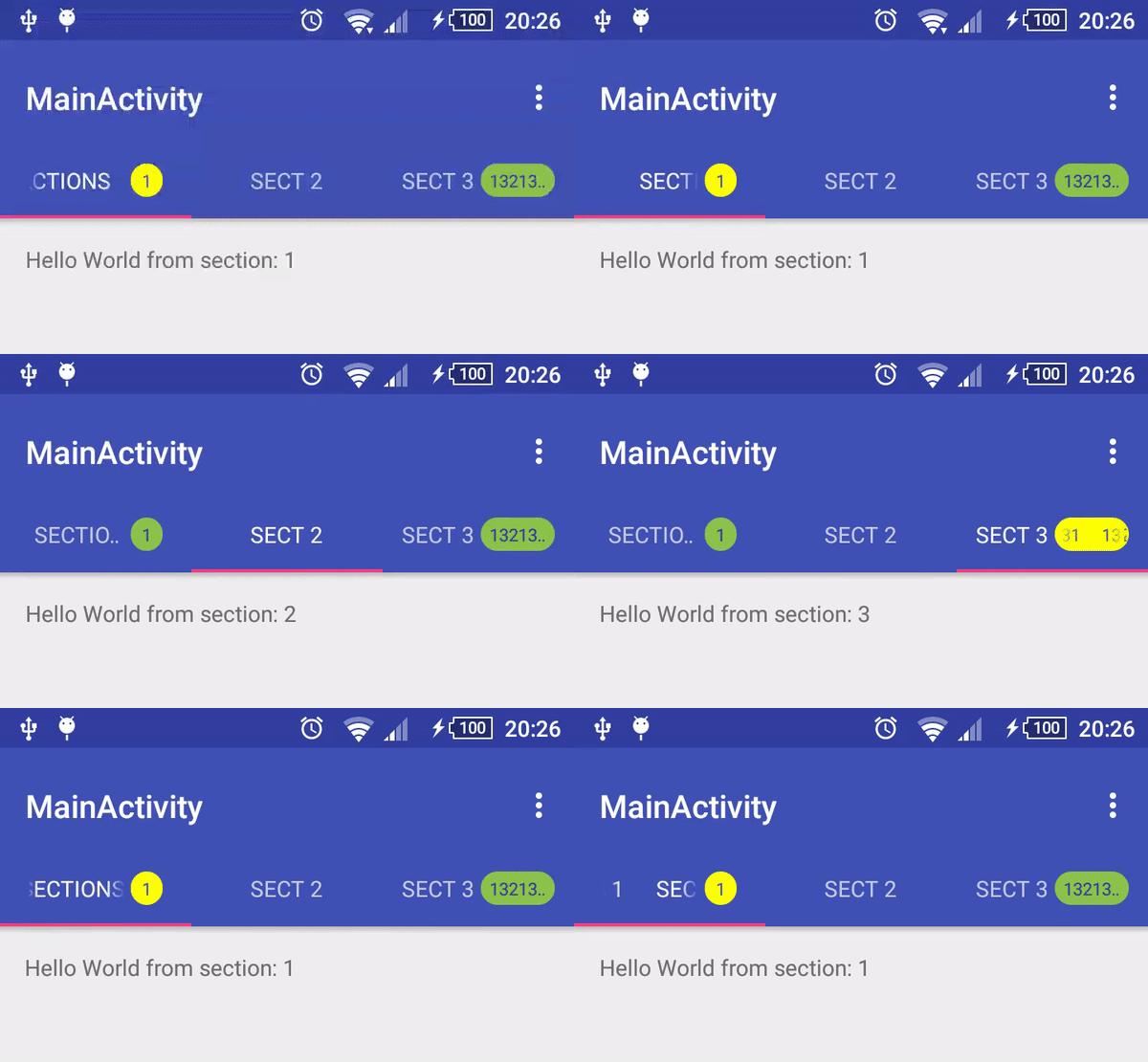
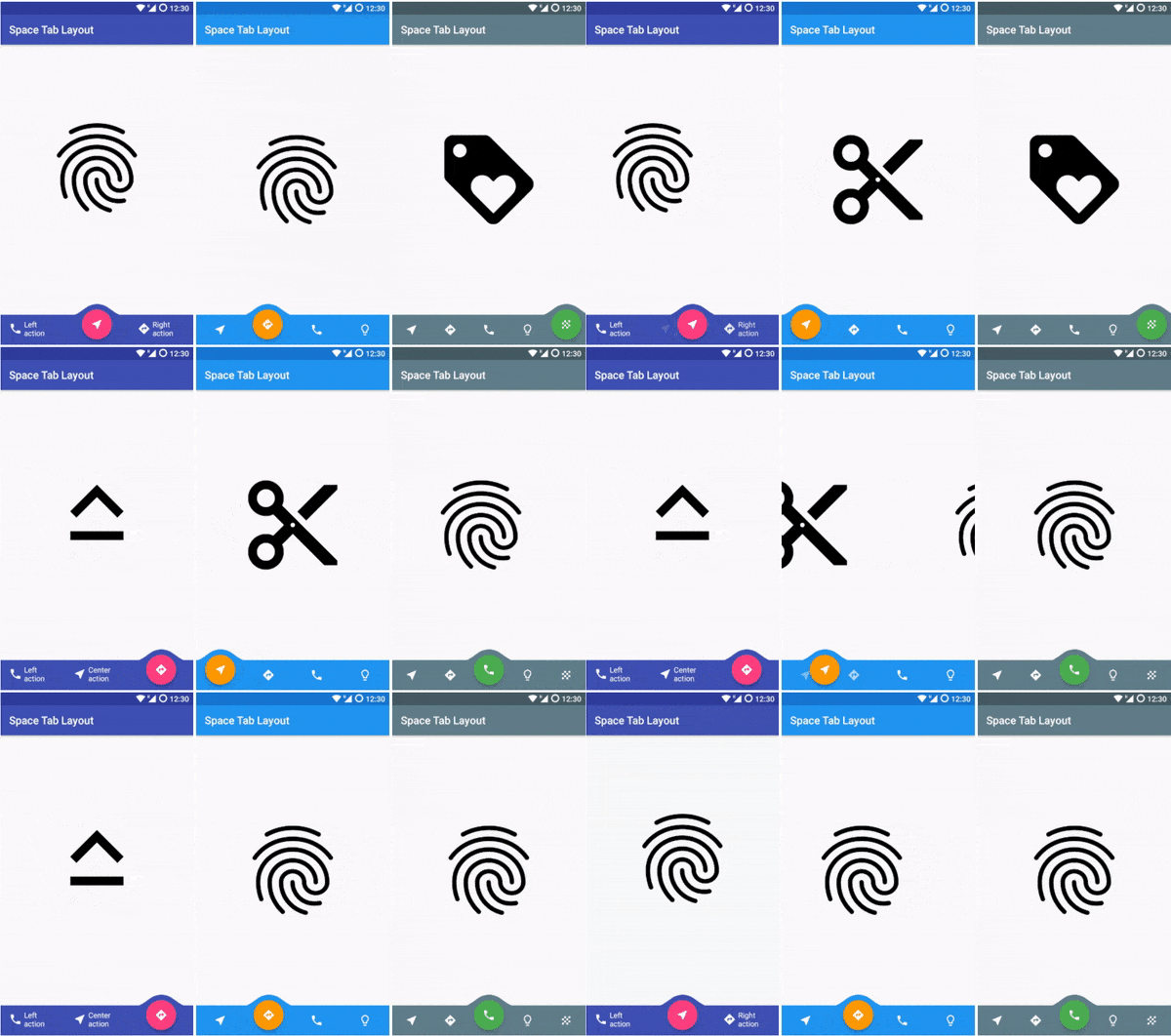


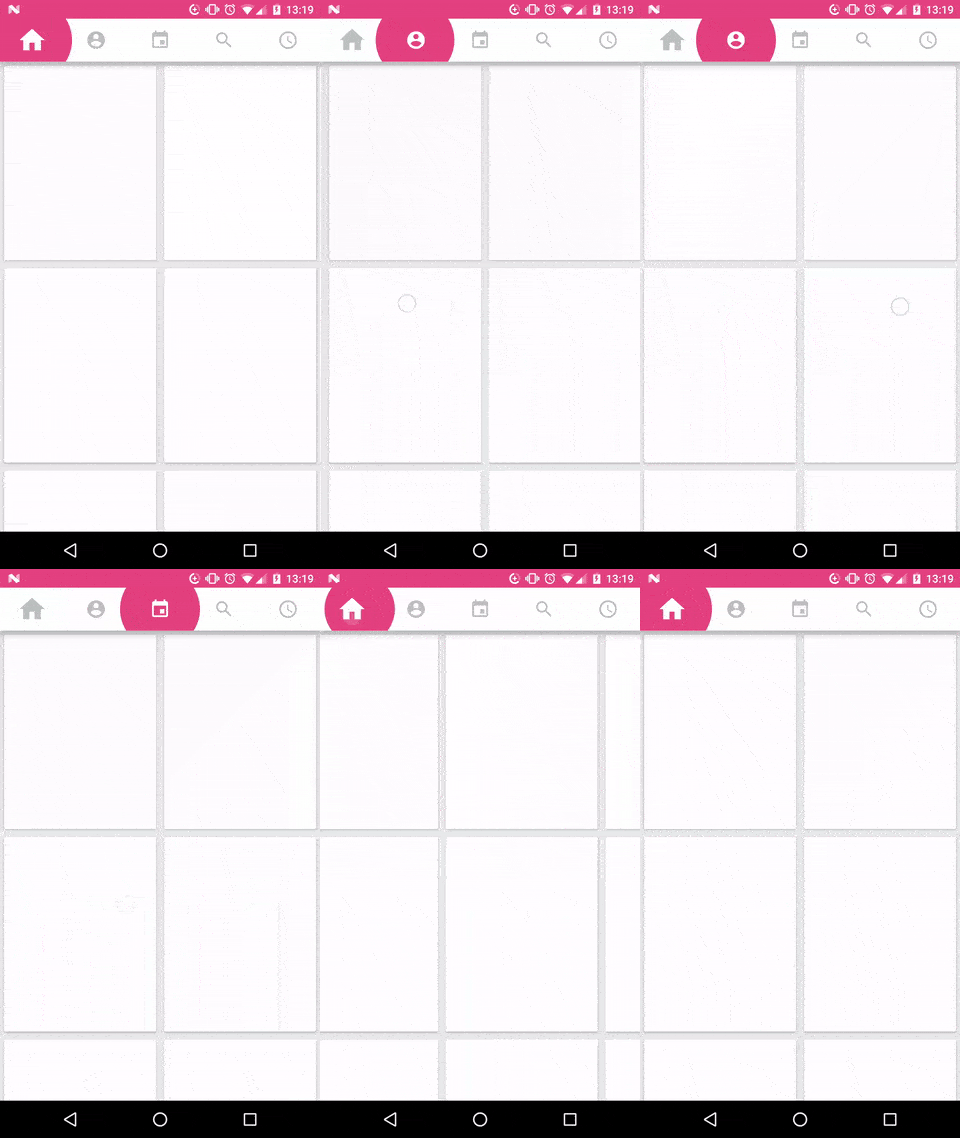
Let’s move on to this awesome Library
Demo

Application Demo

Download this project
Include this library in project
allprojects {
    repositories {
        ...
        maven { url 'https://jitpack.io' }
    }
}

dependencies {
      implementation 'com.github.iammert:AnimatedTabLayout:0.1'
}
Create Tab in Resource XML
Create your tabs file under res/xml/ folder.
<?xml version="1.0" encoding="utf-8"?>
<tabs size="@dimen/size"
    space="@dimen/space">

    <tab
        inactiveColor="@color/colorGray"
        activeColor="@color/colorOrange"
        drawable="@drawable/ic_star_white_24dp"/>

    <tab
        inactiveColor="@color/colorGray"
        activeColor="@color/colorBlue"
        drawable="@drawable/ic_dialpad_white_24dp"/>

    <tab
        inactiveColor="@color/colorGray"
        activeColor="@color/colorRed"
        drawable="@drawable/ic_access_time_white_24dp"/>

    <tab
        inactiveColor="@color/colorGray"
        activeColor="@color/colorPurple"
        drawable="@drawable/ic_account_circle_white_24dp"/>
</tabs>
Add animated tab layout in UI
Add tabs
<com.iammert.library.AnimatedTabLayout
        android:layout_width="match_parent"
        android:layout_height="wrap_content"
        app:atl_tabs="@xml/tabs"/>
Add animation in Tab
Setup with viewpager or listen change on tab click.
atl.setupViewPager(viewpager)
atl.setTabChangeListener(object : AnimatedTabLayout.OnChangeListener {
    override fun onChanged(position: Int) {
    }
})
Hope you enjoy this project and if you’re then please share with your friends.
 Nuur Hasan
Share your thoughts