
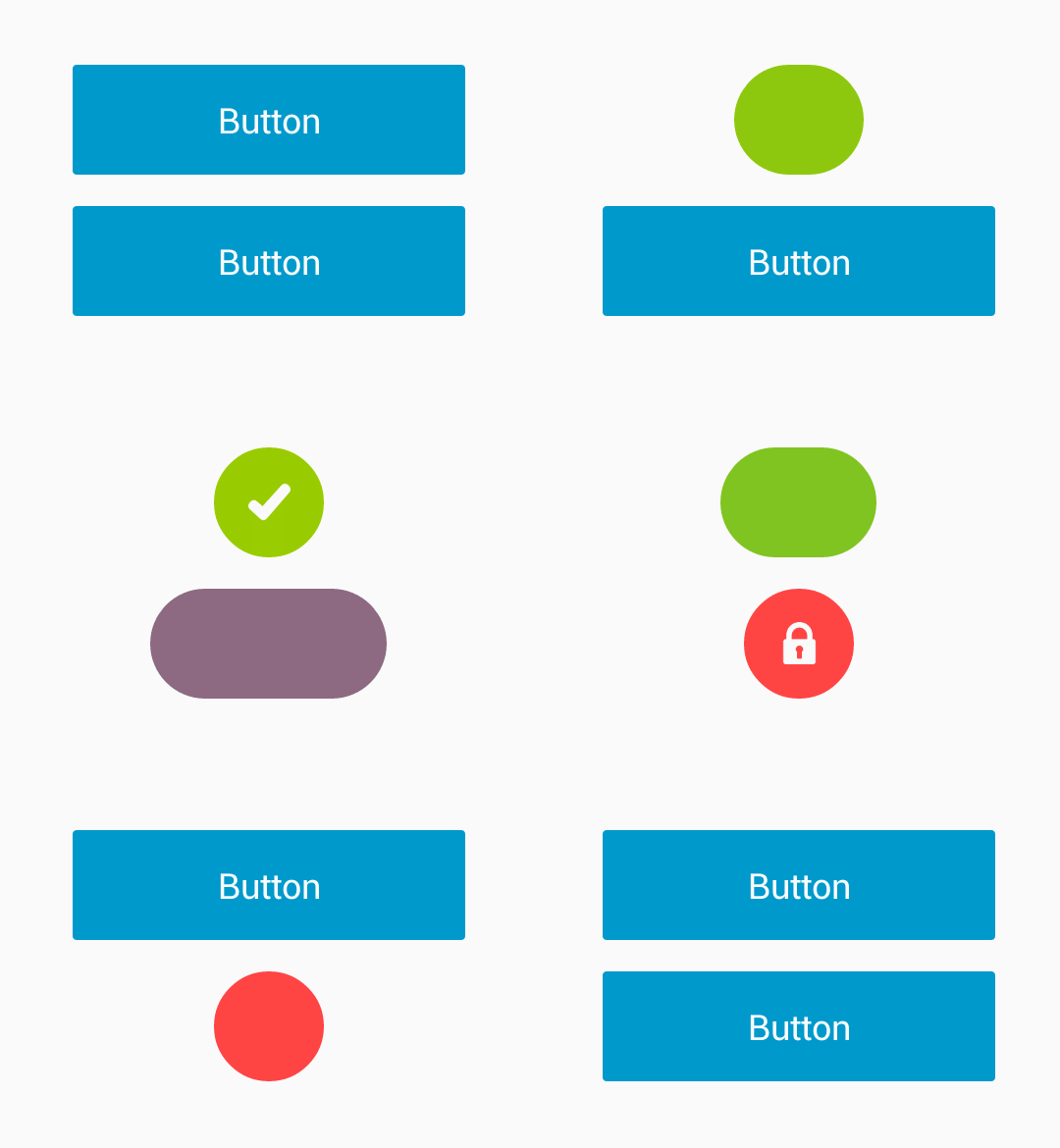
In my previous article on ChipView and ChipsInput i am going to show you how to morph Android button. In this library you’ll use Android button which can morph from one shape to another.
You can easily extend MorphingButton to add your own behaviour. Below is example of LinearProgressButton which extends MorphingButton.

How to implement morph Android button library
The lib is available on https://jitpack.io.
repositories {
    jcenter()
    maven { url "https://jitpack.io" }
}

dependencies {
    compile 'com.github.dmytrodanylyk:android-morphing-button:98a4986e56' // commit hash
}
Sample code
// sample demonstrate how to morph button to green circle with icon
MorphingButton btnMorph = (MorphingButton) findViewById(R.id.btnMorph);
// inside on click event
MorphingButton.Params circle = MorphingButton.Params.create()
        .duration(500)
        .cornerRadius(dimen(R.dimen.mb_height_56)) // 56 dp
        .width(dimen(R.dimen.mb_height_56)) // 56 dp
        .height(dimen(R.dimen.mb_height_56)) // 56 dp
        .color(color(R.color.green)) // normal state color
        .colorPressed(color(R.color.green_dark)) // pressed state color
        .icon(R.drawable.ic_done); // icon
btnMorph.morph(circle);
That’s it yes you need to do only that thing. Hmm thats cool isn’t it?
Tell us with you suggestion about this library in comment section.
 Nuur Hasan


Please tell me how to define dimen? I cannot understand it.