

Most of the time we need an innovative idea for our upcoming Android application and trying to make an attractive application. For any Android application, the first screen is a splash screen. And I know, You don’t want a simple Splash screen for your application. You want to add an Android Loading Animation splash screen. And if you faced this desire then this Android library for you.
See this: Top 10 Android Database Libraries
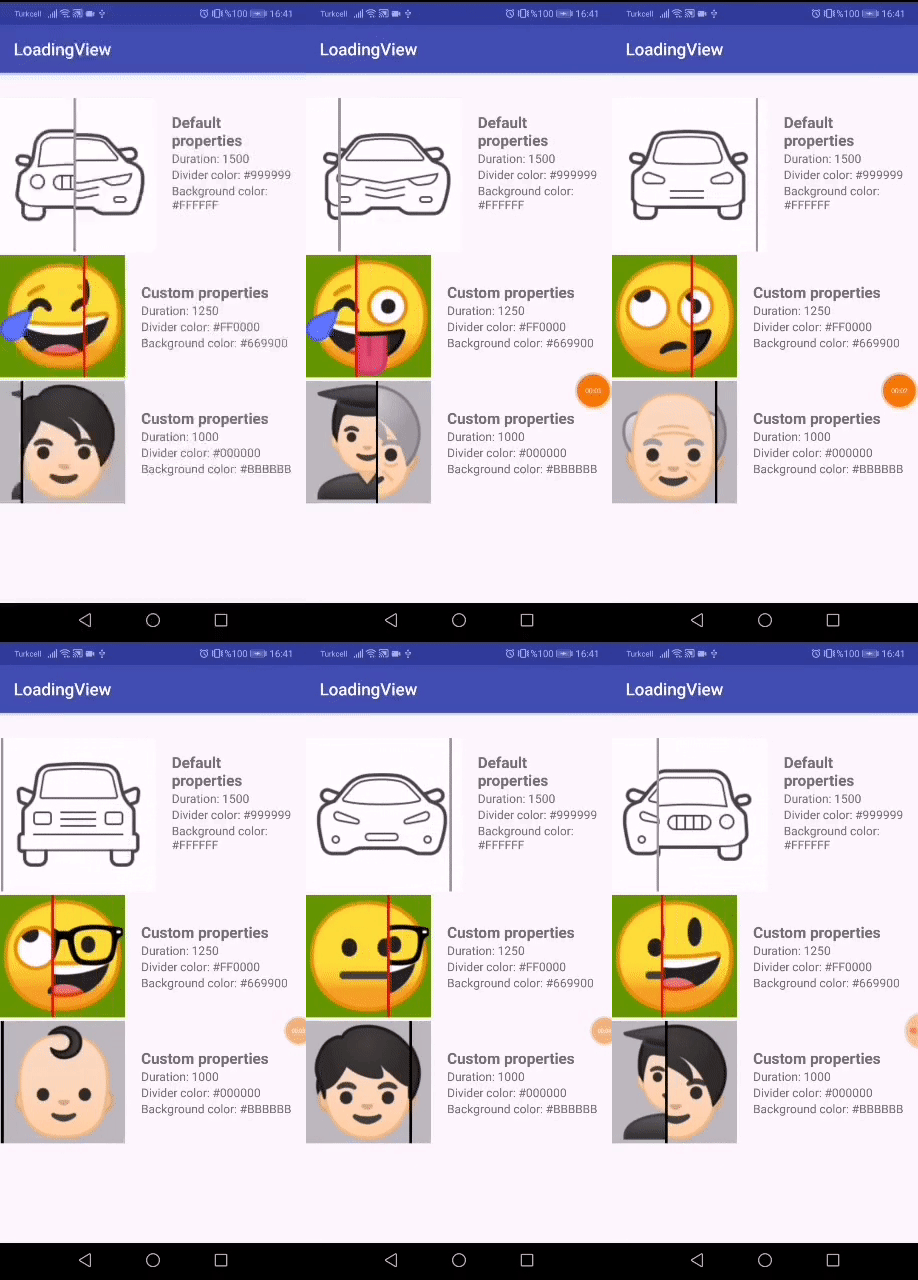
Let’s implement Android Loading Animation Library in our project
This library has some properties which can use in your application
You can see : Add Uber Car Animation Android
Properties
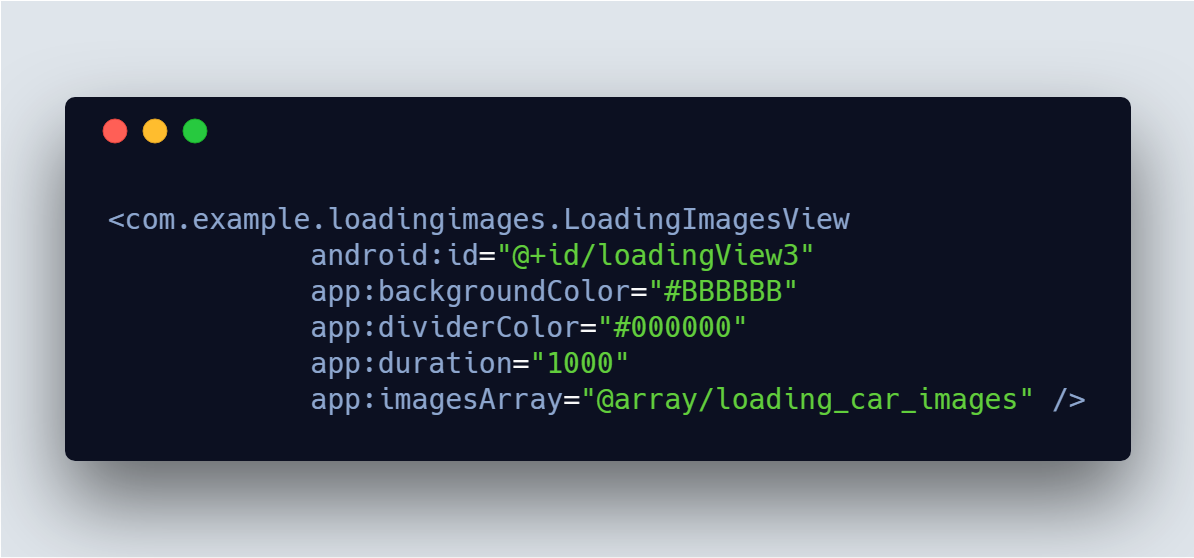
- imagesArray – It is important and plays the main role in image changing animation.
- duration – Set the duration of the animation
- dividerColor – Color of dividend when image changes
- backgroundColor – set background color of animation
[reposcript id=”git_repo” gituser=”Cutta” gitname=”LoadingImagesAnimation”]
Import Android Loading Animation library
Project build.gradle
allprojects {
    repositories {
      ...
      maven { url 'https://jitpack.io' }
    }
  }
App build.gradle
implementation 'com.github.Cutta:LoadingImagesAnimation:1.1'
Download demo project of this library
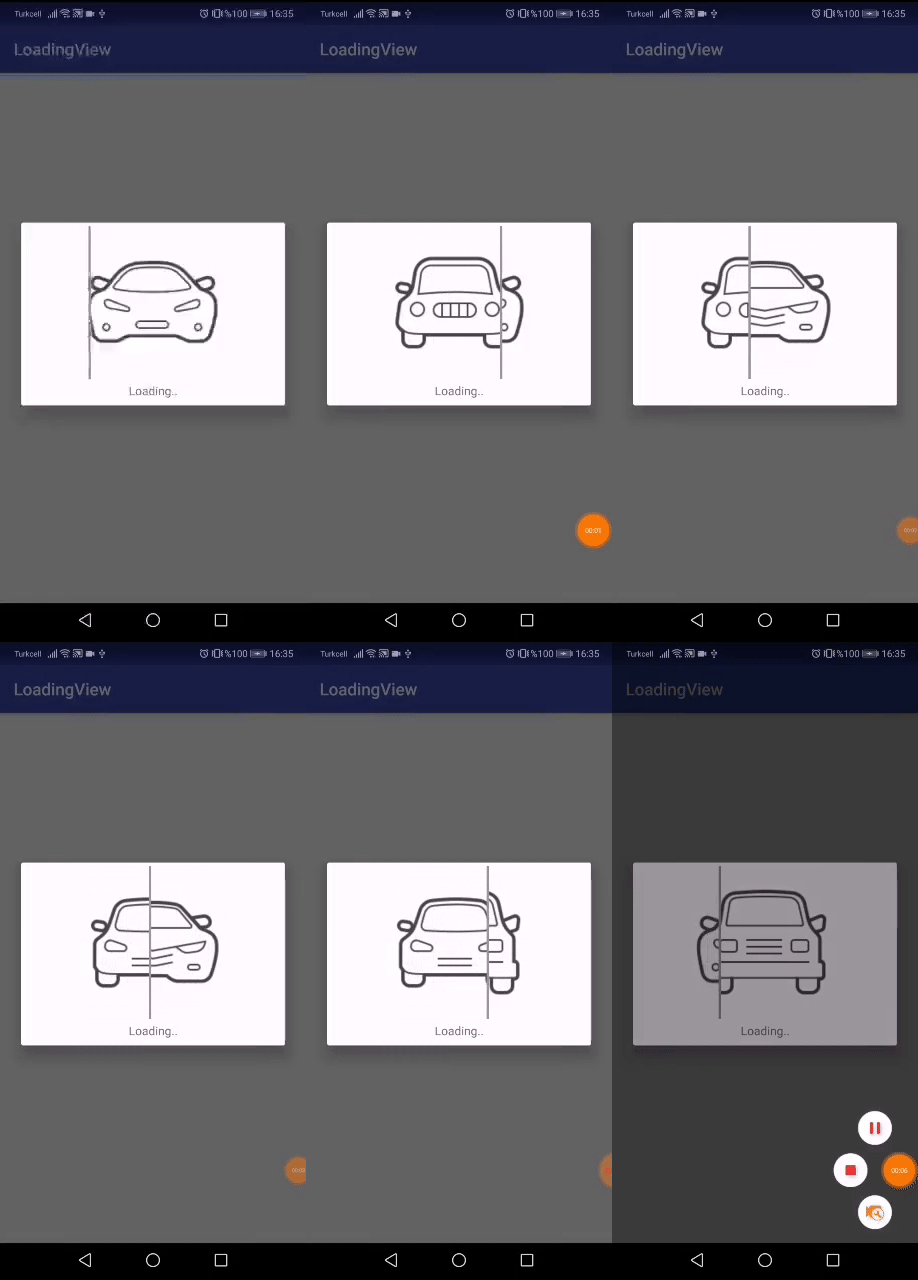
arrays.xml
Now first create arrays for all images which we want to add in Dialog
<integer-array name="loading_car_images">
       <item>@drawable/img_car1</item>
       <item>@drawable/img_car2</item>
       <item>@drawable/img_car3</item>
       <item>@drawable/img_car4</item>
       <item>@drawable/img_car5</item>
   </integer-array>
See this too: Top 5 Trending Android Libraries
dialog_layout.xml
Use ImageArrays in your logic part
<?xml version="1.0" encoding="utf-8"?>
<LinearLayout xmlns:android="http://schemas.android.com/apk/res/android"
    xmlns:app="http://schemas.android.com/apk/res-auto"
    android:layout_width="match_parent"
    android:layout_height="wrap_content"
    android:gravity="center"
    android:orientation="vertical"
    android:padding="4dp">

    <com.example.loadingimages.LoadingImagesView
        android:layout_width="wrap_content"
        android:layout_height="wrap_content"
        app:imagesArray="@array/loading_car_images" />

    <TextView
        android:layout_width="match_parent"
        android:layout_height="wrap_content"
        android:layout_margin="4dp"
        android:gravity="center"
        android:text="Loading.." />

</LinearLayout>
Hope you like this library if I am right then please share with your friends.
 Nuur Hasan
Share your thoughts